
Build and publish forms
Creators can build forms with practical question types, publish them, and share a short public link.
Dishuu Consulting / App launch

First public consulting-built app
Everyday Forms proves the consulting offer in public: Dishuu can turn a practical workflow into a shipped app, a web surface, and a store-ready product.
Buddy Consulting proof
21 days
Full functioning app delivered and published, including the Google Play launch path.
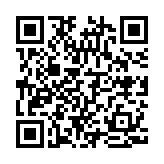
Scan to install
Point your phone camera at the QR code, or tap the Everyday Forms icon or Google Play button.
What it does
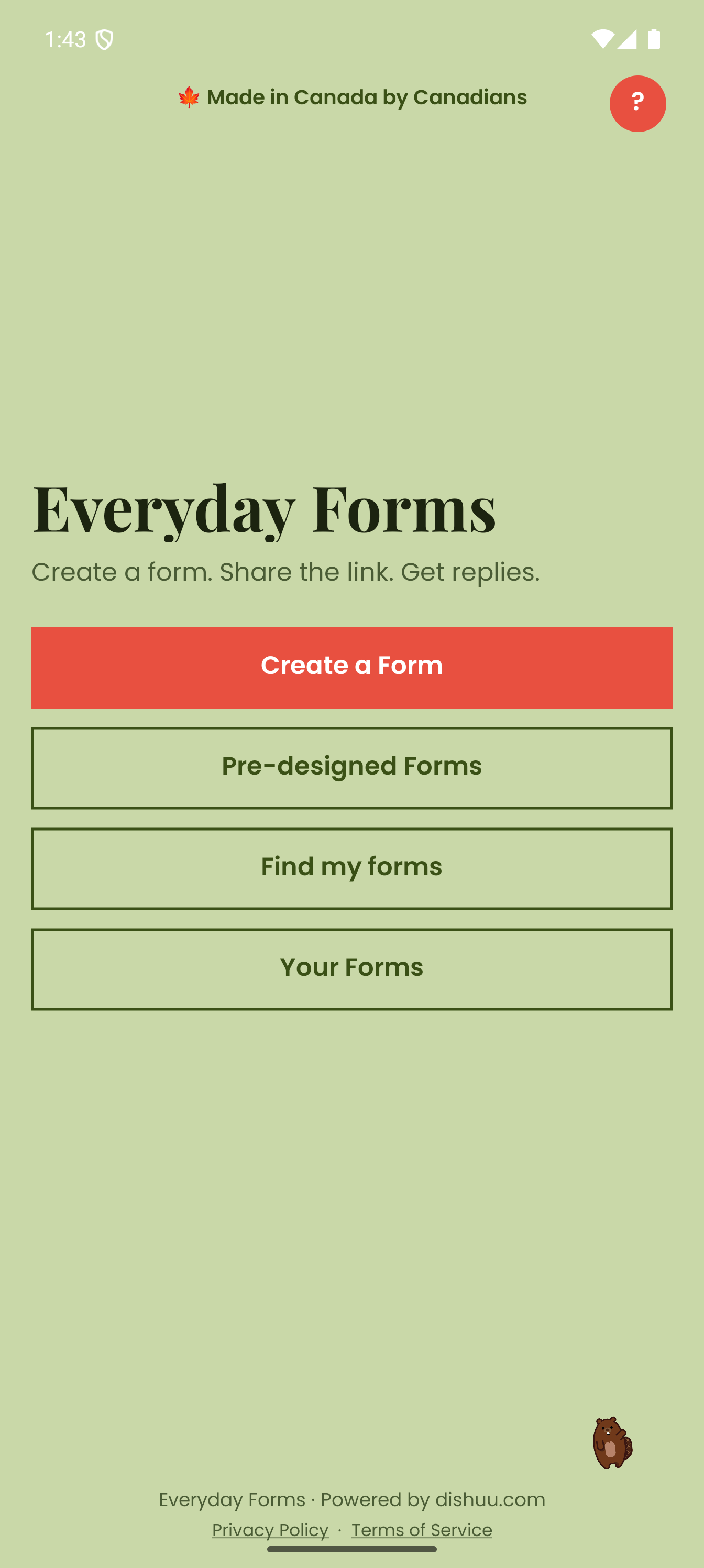
The product is intentionally direct: creators manage forms in the app, while responders can submit through a browser-based link. That makes it a useful example of the kind of focused app Dishuu Consulting can design and ship.
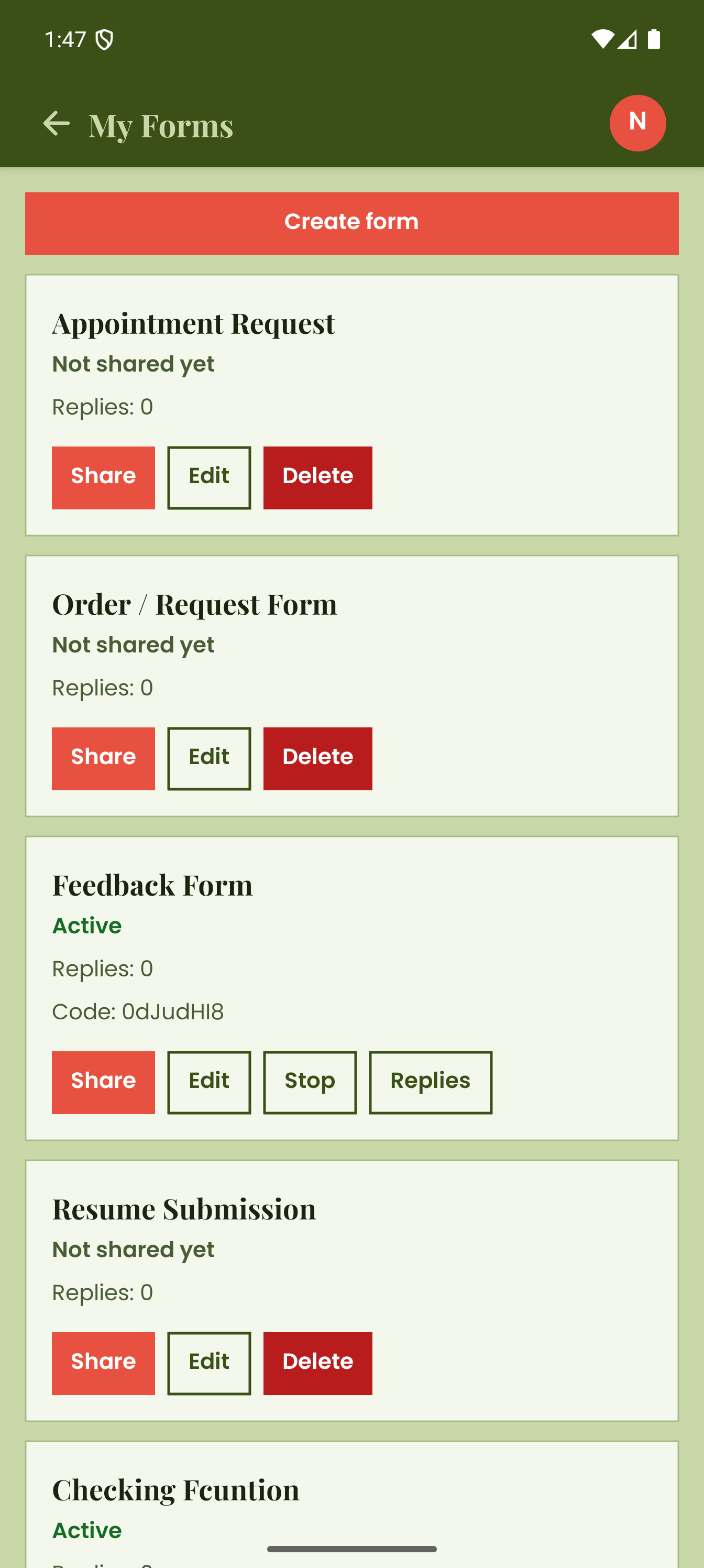
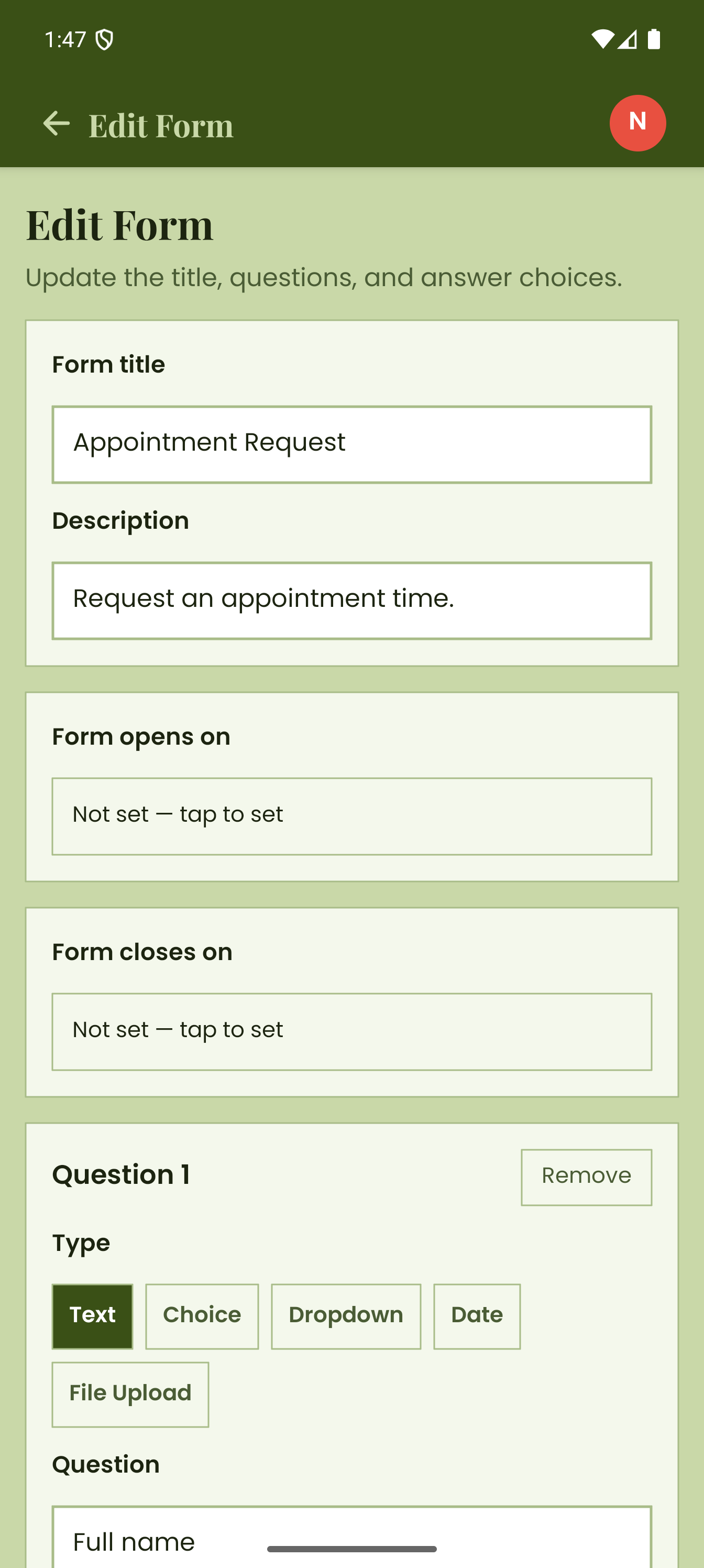
Creators can build forms with practical question types, publish them, and share a short public link.
Responders can answer through a browser, which keeps the collection flow lightweight for the people filling out the form.
The app gives form owners a creator dashboard for status, responses, edits, sharing, and lifecycle actions.
Why it matters
Everyday Forms gives potential clients something concrete to judge. It shows product framing, mobile delivery, public launch readiness, and the ability to connect an app with a real web workflow.
Full functioning app delivered and published in 21 days
Android app published on Google Play
Public web surface at forms.dishuu.com
Email-based sign-in and response verification
Templates, QR sharing, open windows, and response review
User flow
The product separates the heavy workflow from the lightweight response experience. That keeps the creator dashboard powerful while making participation easy for anyone receiving a form link.
The form owner builds a focused form with fields, options, settings, and a clear response window.
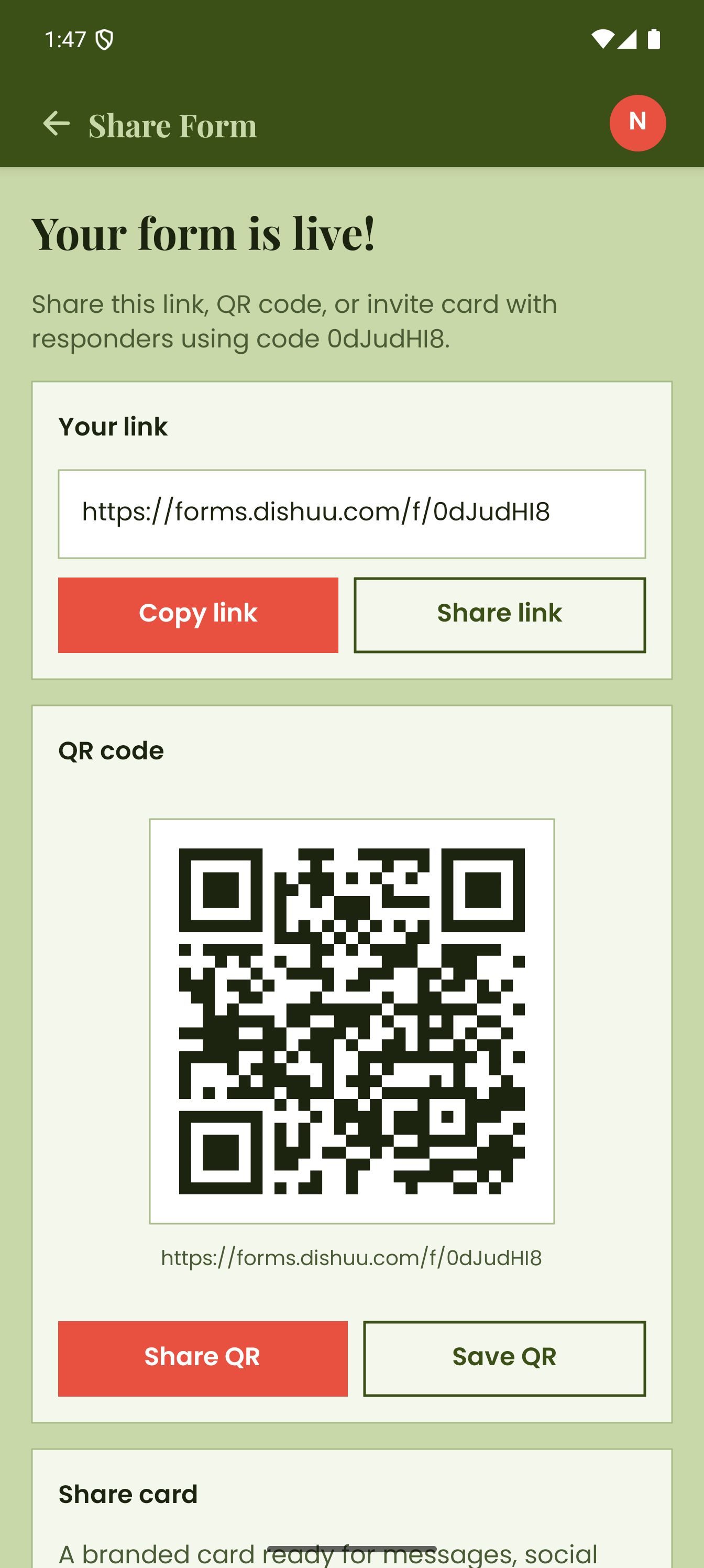
Every form can be shared through a public link or QR code, so responders do not need to install the app.
Users open the form in a browser, submit answers, and move through the flow without account friction.
The creator reviews replies from the app dashboard and can update, close, or reuse the form.
Dishuu Dev · Spring 2026
No account needed · Secure submission
Responder view
Responders open a short link in any browser — no app, no account required. The form is clean and focused: progress indicator, one question at a time, and a clear submit flow that works on any device.
Response tracking
The creator dashboard shows response counts, completion rates, and submission trends in real time. No spreadsheet exports or manual tallying — the app keeps the full picture in one place.
Response analytics
Total replies
348
Completion
91%
Avg time
2m 14s
Service type breakdown
Daily submissions · last 14 days
Security and trust
Everyday Forms keeps the creator workflow inside the Android app while letting responders complete forms through simple browser links. That reduces friction while keeping ownership and review actions centered in the dashboard.
Creator access is tied to email sign-in so form ownership and dashboard actions stay controlled.
Responders use browser links, which keeps collection simple and reduces unnecessary device permissions.
Form owners can manage published windows, sharing status, and response review from one dashboard.
The app is designed around focused form collection, clear ownership, and lightweight response workflows.
Build with Dishuu Consulting
Use Everyday Forms as the starting reference: a clear product, a published app, and a practical workflow that people can use.